Introduction
When your deep learning workloads outgrow a single GPU, it’s time to scale — and SimplePod’s multi-GPU support makes it easier than ever.
Whether you’re training a large model, running parallel experiments, or optimizing massive datasets, multiple RTX 4090s can give you the raw power you need.
But scaling isn’t just about adding more GPUs.
It involves managing network overhead, data distribution, and orchestration so your hardware works together efficiently.
Let’s break down what to expect when scaling up — and how to get the best results on SimplePod.
Why Scale with Multiple RTX 4090s?
The RTX 4090, with 24 GB of VRAM and exceptional tensor performance, is already a powerhouse on its own.
But for large-scale AI work — training models >13B parameters, diffusion pipelines, or data-parallel experiments — even one card can hit memory limits fast.
Using multiple GPUs in parallel allows you to:
- Train larger models without out-of-memory errors.
- Distribute data batches for faster throughput.
- Run experiments concurrently to speed up research cycles.
- Scale inference for serving multiple users simultaneously.
On SimplePod, you can spin up multi-GPU nodes or orchestrate distributed training sessions with minimal setup — especially when using frameworks like PyTorch DDP, DeepSpeed, or Hugging Face Accelerate.
Understanding Data Parallelism
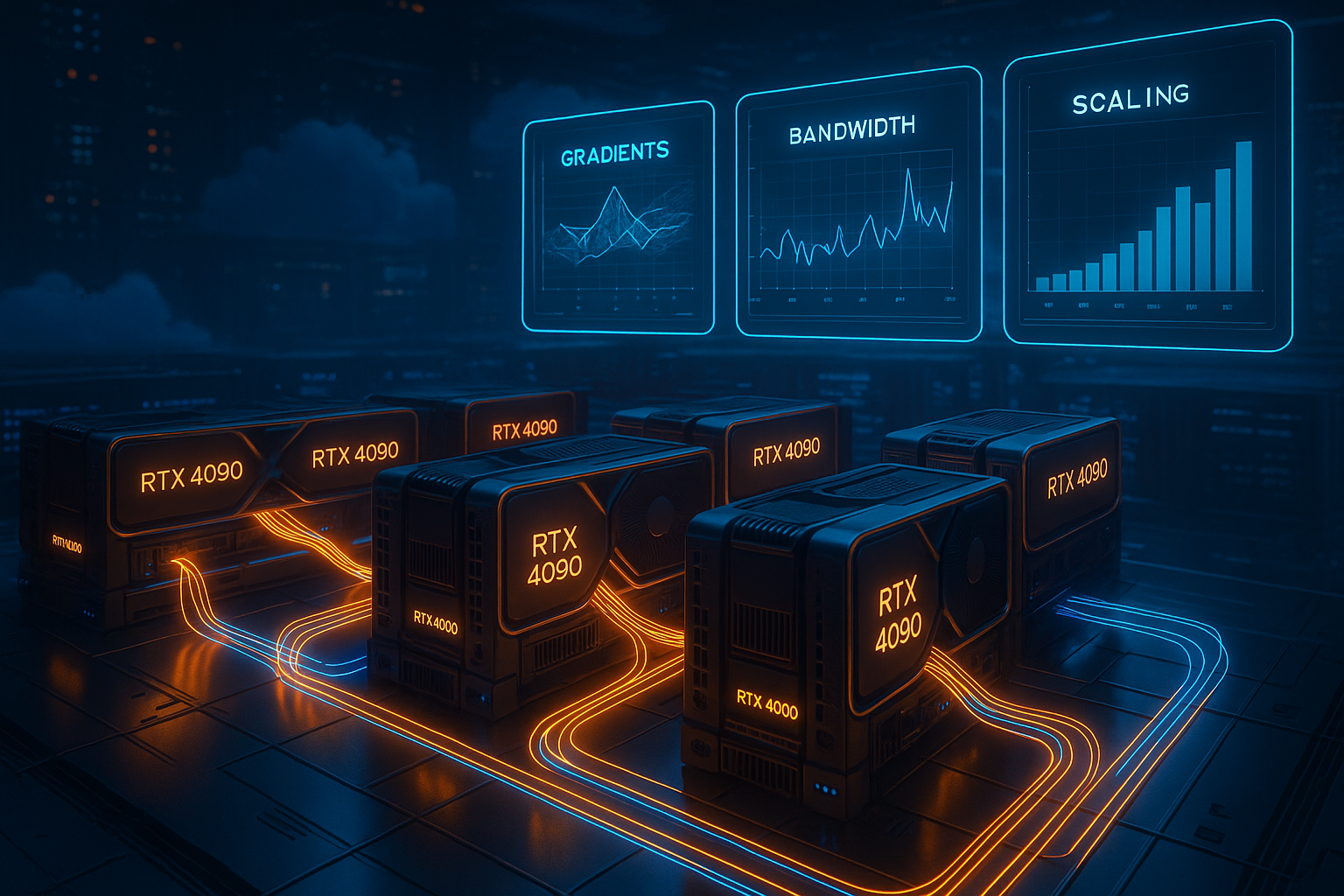
The most common multi-GPU training strategy is data parallelism — splitting your training batch across several GPUs.
Each GPU processes a portion of the data, computes gradients, and synchronizes updates with others.
Example:
If you have four RTX 4090s and a batch size of 256:
- Each GPU handles 64 samples,
- Gradients are synced across GPUs every iteration,
- Training proceeds nearly four times faster — in theory.
In practice, synchronization and network overhead make scaling slightly less than linear, but still dramatically faster than single-GPU training.
💡 Tip: For best results, use libraries like torch.distributed.launch, DeepSpeed, or Accelerate — they handle communication and memory sharding automatically.
Network Overhead and Communication
When GPUs communicate during training, they exchange gradient tensors — and that’s where network performance matters.
On SimplePod, nodes are connected through high-speed interconnects designed for multi-GPU training, but bandwidth still affects performance.
Here’s how it plays out:
- Up to 2 GPUs: Almost no noticeable slowdown.
- 4 GPUs: ~5–10% overhead from gradient syncing.
- 8+ GPUs: Overhead can rise to 15–20% depending on model size and communication frequency.
💬 Rule of thumb: Use larger batch sizes and gradient accumulation to reduce synchronization frequency — less chatter between GPUs, more time computing.
Storage and Dataset Management
Multi-GPU scaling also depends on how you feed data.
Even the fastest GPUs stall if your dataset can’t keep up.
To avoid I/O bottlenecks:
- Use local SSD storage for active datasets instead of network drives.
- Cache preprocessed data directly inside your SimplePod environment.
- Stream data efficiently using frameworks like WebDataset, TensorFlow Datasets, or torch.utils.data.DataLoader with prefetching.
💡 Pro tip: If your dataset is large (hundreds of GBs), convert it into sharded archives (tar or parquet) — this allows multiple GPUs to read chunks concurrently without contention.
Orchestration and Environment Setup
One of SimplePod’s biggest strengths is its pre-configured GPU environments, which make multi-GPU orchestration far easier than traditional setups.
You can:
- Launch multi-GPU templates preloaded with CUDA, PyTorch, and NCCL (for distributed comms).
- Configure environment variables (
MASTER_ADDR,RANK,WORLD_SIZE) automatically when scaling up. - Monitor usage with built-in telemetry tools to see GPU load balance and memory utilization in real time.
For advanced orchestration, frameworks like Ray Train or Lightning Fabric integrate perfectly with SimplePod’s nodes — allowing you to scale horizontally without touching networking config.
Expected Scaling Behavior
| GPUs | Theoretical Speedup | Realistic Speedup | Notes |
|---|---|---|---|
| 1 × 4090 | 1× | 1× | Baseline single-GPU performance |
| 2 × 4090s | 2× | ~1.9× | Near-linear with minimal overhead |
| 4 × 4090s | 4× | ~3.5× | Slight network sync cost |
| 8 × 4090s | 8× | ~6.5× | Bandwidth & coordination overhead noticeable |
You’ll rarely hit perfect linear scaling — but even 80–90% efficiency across GPUs dramatically reduces total training time.
Managing Costs and Efficiency
With great power comes great electricity bills — or, in the cloud’s case, hourly costs.
To maximize efficiency:
- Run profiling tests before scaling up; doubling GPUs doesn’t always halve time.
- Use spot or preemptible instances when available.
- Schedule multi-GPU runs during low-demand hours to avoid queue delays.
- Save checkpoints often so you can resume after interruptions without losing progress.
💡 Remember: The fastest setup isn’t always the cheapest — aim for optimal GPU utilization, not just more hardware.
Conclusion
Scaling with multiple RTX 4090s on SimplePod unlocks serious performance — but also introduces new variables: network overhead, storage throughput, and orchestration management.
Handled correctly, these systems deliver massive speedups for large model training, distributed inference, or heavy diffusion workloads.
The key is understanding your bottlenecks and scaling deliberately — not just throwing more GPUs at the problem.
With SimplePod’s pre-configured multi-GPU environments, you can scale faster, smarter, and more efficiently — without touching a single driver.