Introduction
When you spin up an environment on SimplePod, you can launch powerful pre-configured templates — from Jupyter notebooks to Ollama for local LLMs — in just seconds.
But not all GPUs behave the same way. Some start faster, others handle heavier inference loads, and a few balance memory and cost better than expected.
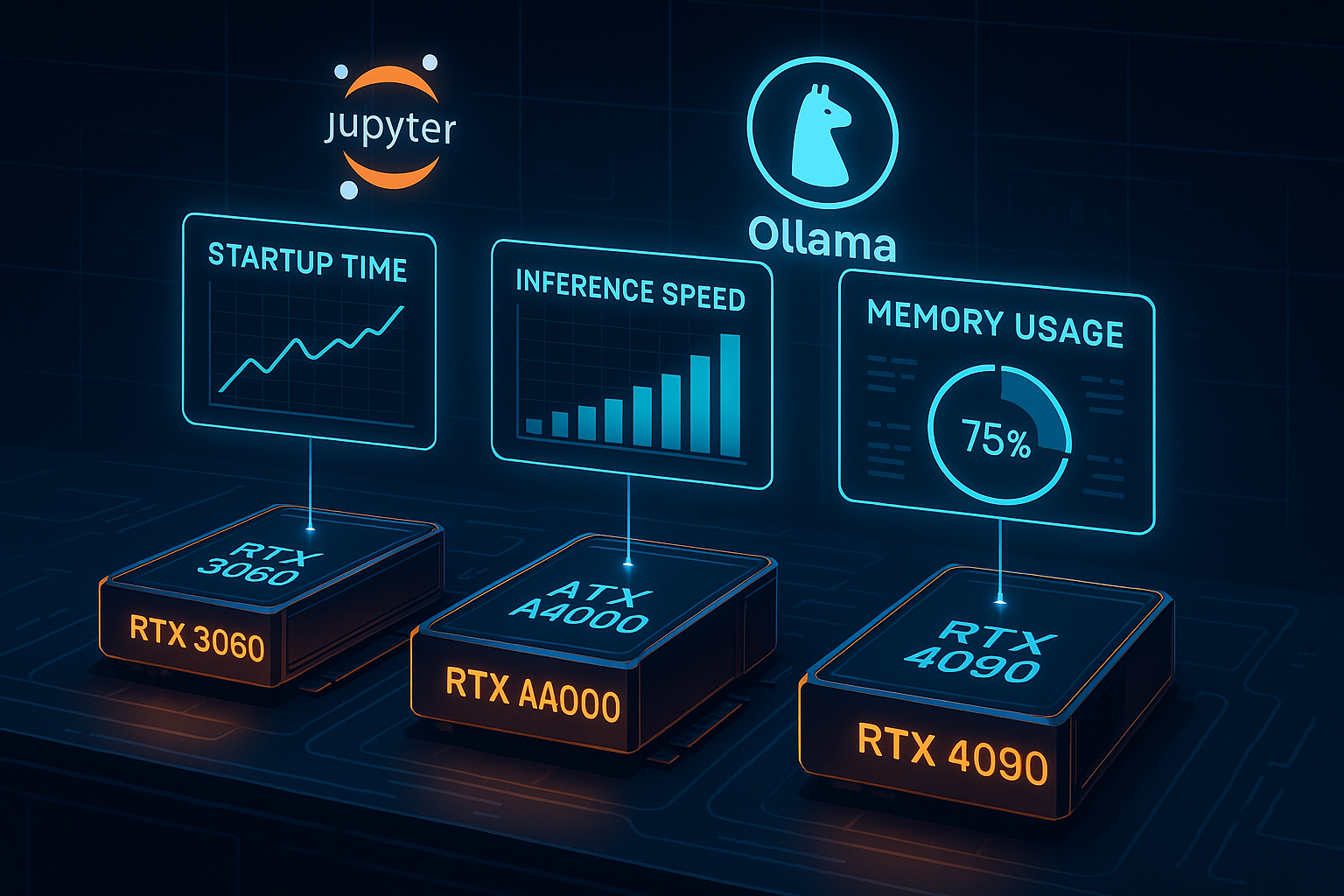
In this post, we’ll explore how these environments perform on three popular GPU types available on SimplePod — the RTX 3060, RTX A4000, and RTX 4090 — so you can choose the best fit for your workflow.
Why Pre-Configured Environments Matter
One of SimplePod’s biggest advantages is that everything is ready out of the box.
No driver installs, CUDA mismatches, or dependency errors — you pick a template, click Launch, and get coding within minutes.
These templates cover:
- Ollama – run LLMs locally in the cloud (e.g., LLaMA, Mistral, Phi).
- Jupyter Notebooks – for data science, model training, and visualization.
- Automatic1111 / Diffusers – for Stable Diffusion and image generation.
But performance and experience can vary depending on which GPU you select.
How We Tested
To compare GPUs fairly, we launched the same set of environments and measured:
| Metric | Description |
|---|---|
| Startup time | Time from launch → ready state |
| Inference speed | Tokens/sec (Ollama) or images/min (diffusion) |
| Memory usage | VRAM consumed during active workload |
| Responsiveness | Subjective smoothness for Jupyter or UI tools |
All tests used SimplePod’s default templates with clean sessions.
Performance Overview by GPU
1. RTX 3060 – The Budget Starter
- Startup time: ~25–30 seconds
- Ollama inference (7B models): 12–15 tokens/sec
- Stable Diffusion (512×512): ~2.5 images/min
- Memory use: Up to 11.2 GB (of 12 GB total)
✅ Best for: Students, hobbyists, and developers running lightweight workloads.
⚠️ Limitations: Models over 13B parameters or high-res diffusion will hit VRAM limits quickly.
💡 Tip: Use quantized LLMs (like Q4_K_M in Ollama) and smaller batch sizes to avoid out-of-memory crashes.
2. RTX A4000 – The Mid-Range Balance
- Startup time: ~20–25 seconds
- Ollama inference (7B): ~18 tokens/sec
- Stable Diffusion (512×512): ~3.3 images/min
- Memory use: ~14 GB of 16 GB total
✅ Best for: Data scientists, educators, and developers who need slightly faster performance but want to stay budget-friendly.
✅ Handles multi-notebook sessions in Jupyter more smoothly than the 3060.
⚙️ Slightly cooler running and more efficient for long inference loops.
💡 Tip: The A4000’s larger VRAM lets you run heavier diffusion checkpoints or simultaneous Jupyter kernels without restarts.
3. RTX 4090 – The Performance Beast
- Startup time: ~15–20 seconds
- Ollama inference (7B–13B): ~30–35 tokens/sec
- Stable Diffusion (1024×1024): ~6–7 images/min
- Memory use: 18–22 GB typical
✅ Best for: Power users, researchers, and teams running high-end image generation or large-model inference.
✅ Great for multi-model workflows — run an Ollama LLM and a Jupyter notebook side-by-side without slowdown.
⚡ Extremely fast at loading weights and regenerating sessions.
💡 Tip: For large LLMs (13B+), enable --num-thread tuning in Ollama for smoother streaming inference.
Performance Summary
| GPU | Startup Time | Inference (Ollama 7B) | Diffusion Speed | Memory Use | Ideal Use Case |
|---|---|---|---|---|---|
| RTX 3060 | 25–30 s | 12–15 t/s | 2.5 img/min | ~11 GB | Learning & hobby projects |
| RTX A4000 | 20–25 s | 18 t/s | 3.3 img/min | ~14 GB | Prototyping & teaching |
| RTX 4090 | 15–20 s | 30+ t/s | 6–7 img/min | ~20 GB | Heavy workloads & research |
As you move up the GPU line, you don’t just get faster inference — you also get smoother multitasking, better VRAM headroom, and shorter template startup times.
Choosing the Right GPU for Your Environment
- Pick RTX 3060 if you’re learning, testing small models, or doing short inference runs.
- Choose RTX A4000 if you want a balance between cost and steady multitasking.
- Go for RTX 4090 when you need top-tier speed for training, rendering, or large LLM inference.
💡 Rule of thumb: If your environment consistently uses more than 70% VRAM, it’s time to move up a tier.
Conclusion
SimplePod’s pre-configured environments make GPU work painless — and now you know which card fits your workflow best.
From the student running their first Jupyter notebook on a 3060, to the researcher benchmarking multi-LLM pipelines on a 4090, each GPU offers a unique sweet spot.
The key is matching your environment demands to the GPU’s strengths — and with SimplePod’s pay-as-you-go flexibility, you can scale up or down anytime.